It’s all written down.
But where?
A number in your contacts. Call notes somewhere else. A follow-up in your head. Putting it together means opening another spreadsheet.
 Card IndexBY BRAIN INDEX
Your information stays yours.
A clearer way to work with your information.
People, companies, and next steps in intuitive cards — with built-in AI to help make sense of your notes.
Built-in AI. You stay in control.

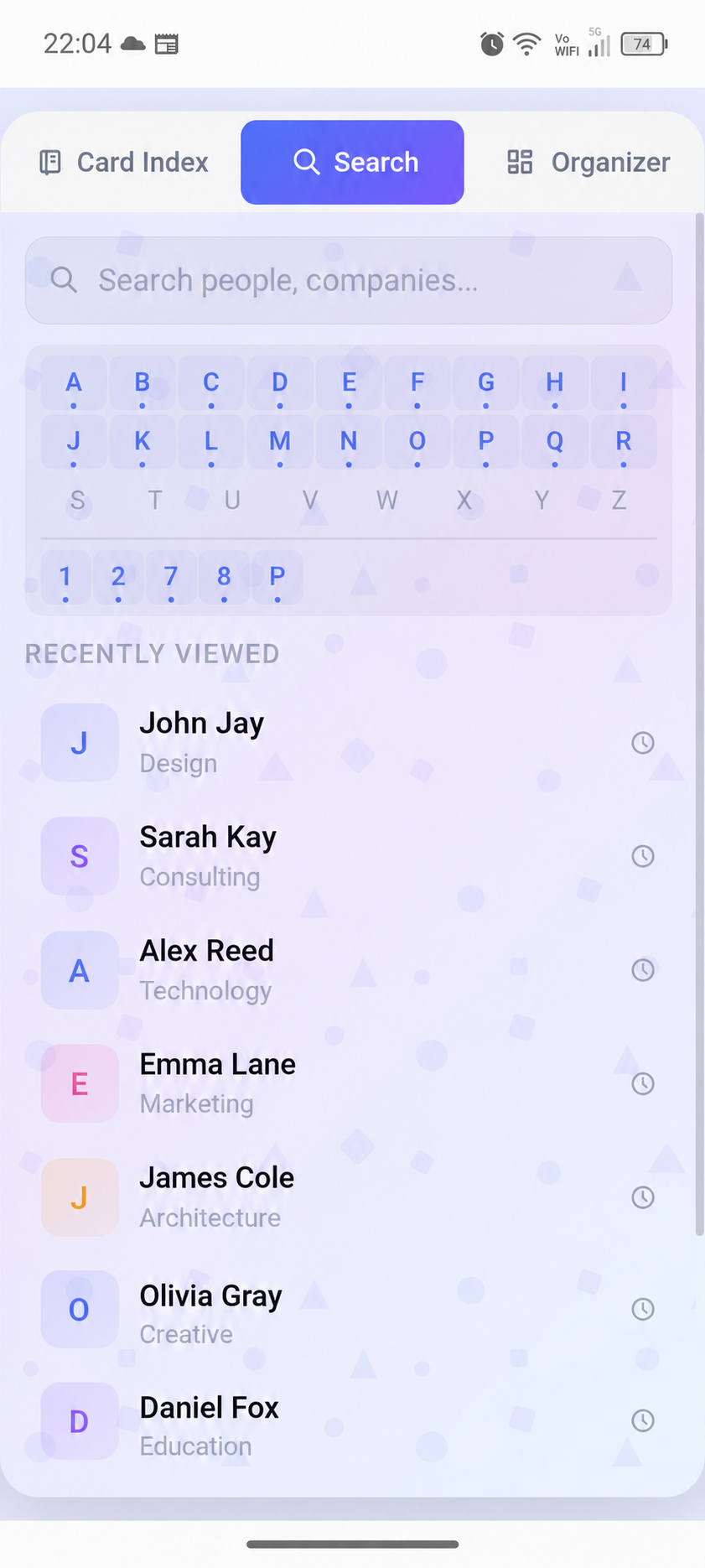
People & companies
History & context
Smart notes
Next steps
Less system. More substance.
You already have the information. Make it easier to live with.
A number in your contacts. Call notes somewhere else. A follow-up in your head. Putting it together means opening another spreadsheet.
Open a dossier and pick up where you left off: who they are, what you discussed, and what comes next.
Demo screens · fictional data
Everything in its place
No hours spent learning a system.
Open it. Get on with your day.
English demo screens adapted from the app. Names and activity are fictional.
SMART NOTE · BUILT-IN AI
You don’t have to sort every thought into a form. Write a note in your own words: Smart Note helps identify companies, contacts, and tasks.
Review first. Save when you’re ready.
“Spoke with Anna at Atelier North. I need to send her a proposal for the new project on Thursday.”
An example of note parsing, not a live AI demo. Notes are processed in the app.
People, companies, and agreements belong together, not scattered across unrelated lists.
Our principle: your information belongs on your device or in your own sources. Card Index is a tool for working with it, not a place to hand it over.
Made for the moment after a meeting, a quick call, or a thought while you’re on the move.
A few details
What Card Index is.
And what it isn’t trying to be.
No. Card Index is a personal mobile interface for business information. People and companies, conversation history, and next steps come first, not reporting and funnels. It does not claim to replace every feature of a corporate CRM.
Optional API or MCP sources let you work with supported external data. Available operations depend on the source and its permissions. This is not a promise of a universal connector for every database or CRM.
It helps turn free-form text into structured records: companies, contacts, tasks, and events. You can review the result before saving. AI note processing needs an internet connection; this is not a promise of full AI search across your database.
Card Index for Android is available on Google Play. The current free beta has purchases disabled. Store availability depends on your region and device; check the listing for current requirements. This website does not announce an iOS release.
No. A new installation starts with an empty local card index. Core working records can be viewed and edited offline. They stay on your device unless you choose to export them or connect a supported source. Online AI is separate: submitted text and the minimal context for a command are sent to an external AI provider. Account and service data are explained in the app privacy policy.
CARD INDEX · BY BRAIN INDEX
People, companies, and next steps in one place.
Get Card Index for Android on Google Play.